Access
MetatRader 5

Build your strategy with 80+ indicators, automate it with Expert Advisors, and trade at a professional level.

More Markets, MOre Tools - One Account

Everything stays connected to your existing margin account

400+ Instruments, One Terminal.
Trade stocks, forex, indices, commodities, ETFs and crypto CFDs from a single professional terminal. No menus to relearn, no new markets to chase down.
Leverage Done Responsibly.
Go long or short with leverage up to 30×, set within EU rules. Margin requirements and costs are shown clearly before you confirm, and you can never lose more than the funds in your account.
Charts Build For Professionals.
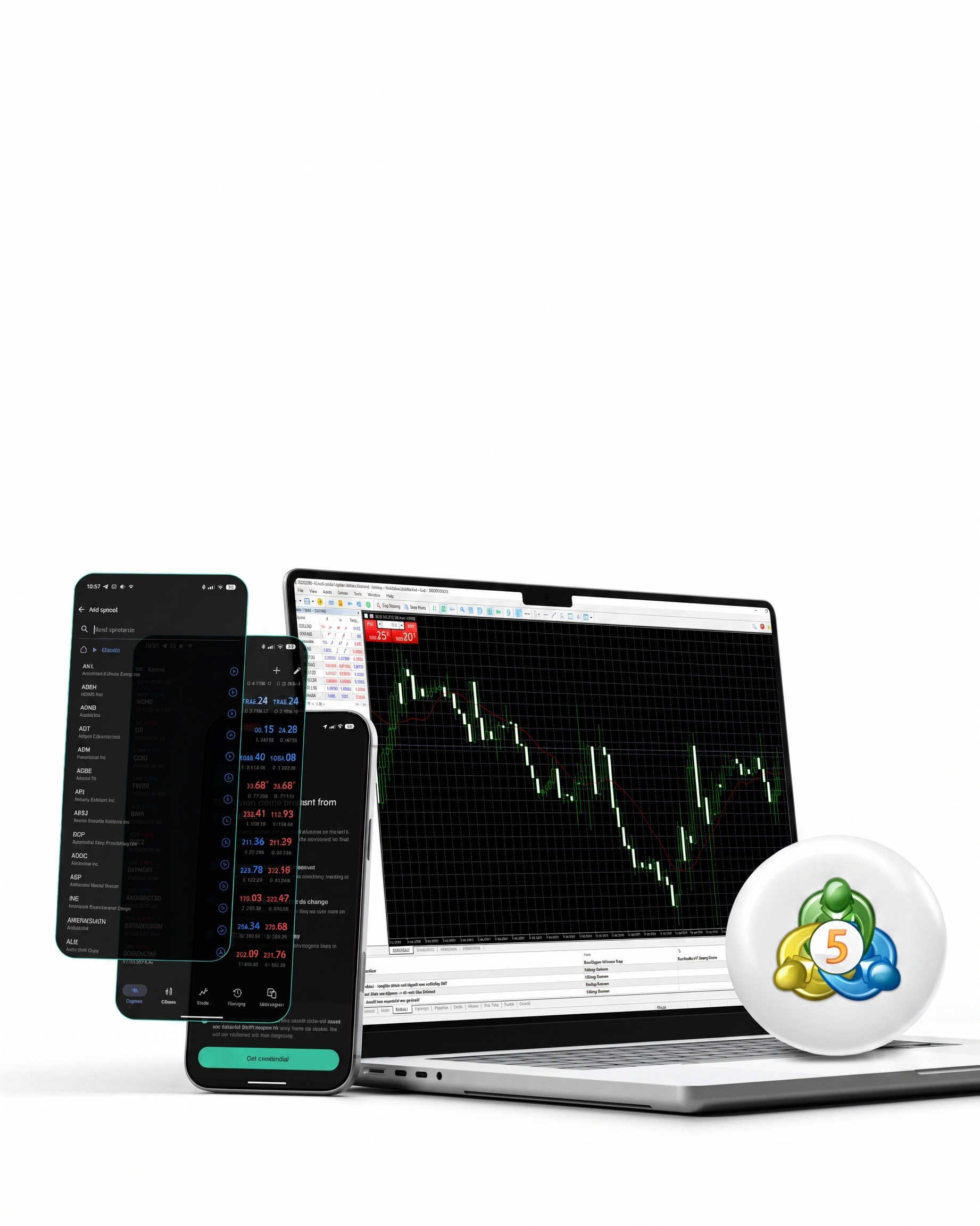
Read the market with professional charting, 80+ technical indicators, multiple timeframes and the analysis tools serious traders rely on — on mobile and desktop alike.
Your funds In
sEgregated Accounts.
Our white-label partner is fully authorised and regulated by the Dutch Authority for the Financial Markets (AFM). Your funds are securely held in segregated accounts and protected up to €20,000 by the Dutch investor compensation scheme (ICS), managed by the Central Bank.
Illustration Earning Going Up

Create your own financial portfolio

With Stocks* you can invest in the companies that can change the world. All Stocks* are hand-picked, so you can decide which are for you: Twitter, Spotify or Nike.

Illustration secured shield

Secure your funds and data

Our white-label partner is authorised and regulated by the Dutch Authority for the Financial Markets (AFM). Your funds are kept in a segregated account and protected (up to €20,000) by the Dutch investor compensation scheme (ICS) operated by the Central Bank.

Illustration zero commission fees with Change Invest

Enjoy no commission fees

When using the Change app, you can trade with zero fees. Buy a whole share of a company or just a fraction of it, and start investing with as little as €10.

Superstar support

Rely on the superstar support

When it comes to support we don't cut corners. Our customer support team is always there for you to guide through any questions you may have. Email us or join our Telegram group to get help in real-time.

New to METatrader 5?

Here are some of the frequent questions people ask.

What is MetaTrader 5 (MT5)?
See More
MetaTrader 5 (MT5) is a professional multi-asset trading platform that lets you trade CFDs on stocks, forex, indices, commodities, ETFs and crypto markets using advanced charting and trading tools.
Do I need to create a new account to use MT5?
See More
No. Through Change, MT5 is directly connected to your existing margin account — no separate onboarding, no additional funding steps, and no need to move money between platforms. Your balance, margin and available funds remain connected inside the same ecosystem.
What can I trade on MT5?
See More

You can trade CFDs across multiple markets, including:

  • Stocks
  • Forex
  • Indices
  • Commodities
  • ETFs
  • Crypto CFDs
What is a CFD?
See More
A CFD (Contract for Difference) is a financial instrument that lets you speculate on price movements without owning the underlying asset.
You can trade both rising and falling markets by opening:
Long positions (buy)
Short positions (sell)
Can I trade with leverage?
See More
Yes. MT5 supports leveraged CFD trading.
Depending on the asset class and regulatory limits, leverage can be available up to 30× for eligible clients under EU regulations.
Margin requirements and trading costs are always shown before you place a trade.
Is MT5 suitable for beginners?
See More
MT5 is designed as a professional trading terminal and includes advanced tools and features.
If you are new to leveraged trading or CFDs, make sure you understand the risks involved before trading.
What tools does MT5 include compared to my current margin account?
See More
MT5 includes professional trading and analysis features such as:
Advanced charting
80+ technical indicators
Multiple chart timeframes
Market analysis tools
Mobile and desktop trading
Fast order execution
Can I use MT5 on mobile and desktop?
See More
Yes. You can download and use MetaTrader 5 on:
iOS
Android
Windows
macOS
How do I start using MT5?
See More
Step 1: Open the Change app and go to: Settings → MT5 Password Reset

Step 2: Tap Get credentials. Your login credentials will be shown once only, so make sure to save them securely.

Step 3 Download MetaTrader 5 on your preferred device.

Step 4 Log in using the credentials provided in the Change app.
I did not save my credentials. What should I do?
See More
You can generate new credentials anytime from:
Settings → MT5 Password Reset
Are there trading fees on MT5?
See More
Trading costs may include:
Spread costs
Overnight financing/swap fees
Other applicable trading charges
All relevant costs and margin requirements are displayed before you confirm a trade.

See More
Can I use the same login on multiple devices?
Yes. You can log into MT5 on multiple supported devices using the same credentials.